
Documentation Index
Fetch the complete documentation index at: https://docs.definite.app/llms.txt
Use this file to discover all available pages before exploring further.
Redshift Credentials
To connect Definite to Redshift, you’ll need:- Host, Port, and Database
- Retrieve this from the Redshift dashboard in your AWS console
- Under clusters select your cluster
- On the right hand side there should be a url next to
Endpoint. It should look something like:redshift-warehouse.abcdef123456.us-east-1.redshift.amazonaws.com:5439/dev - The Host would be:
redshift-warehouse.abcdef123456.us-east-1.redshift.amazonaws.com - The Port would be:
5439 - The Database would be:
dev
- Username
- Password
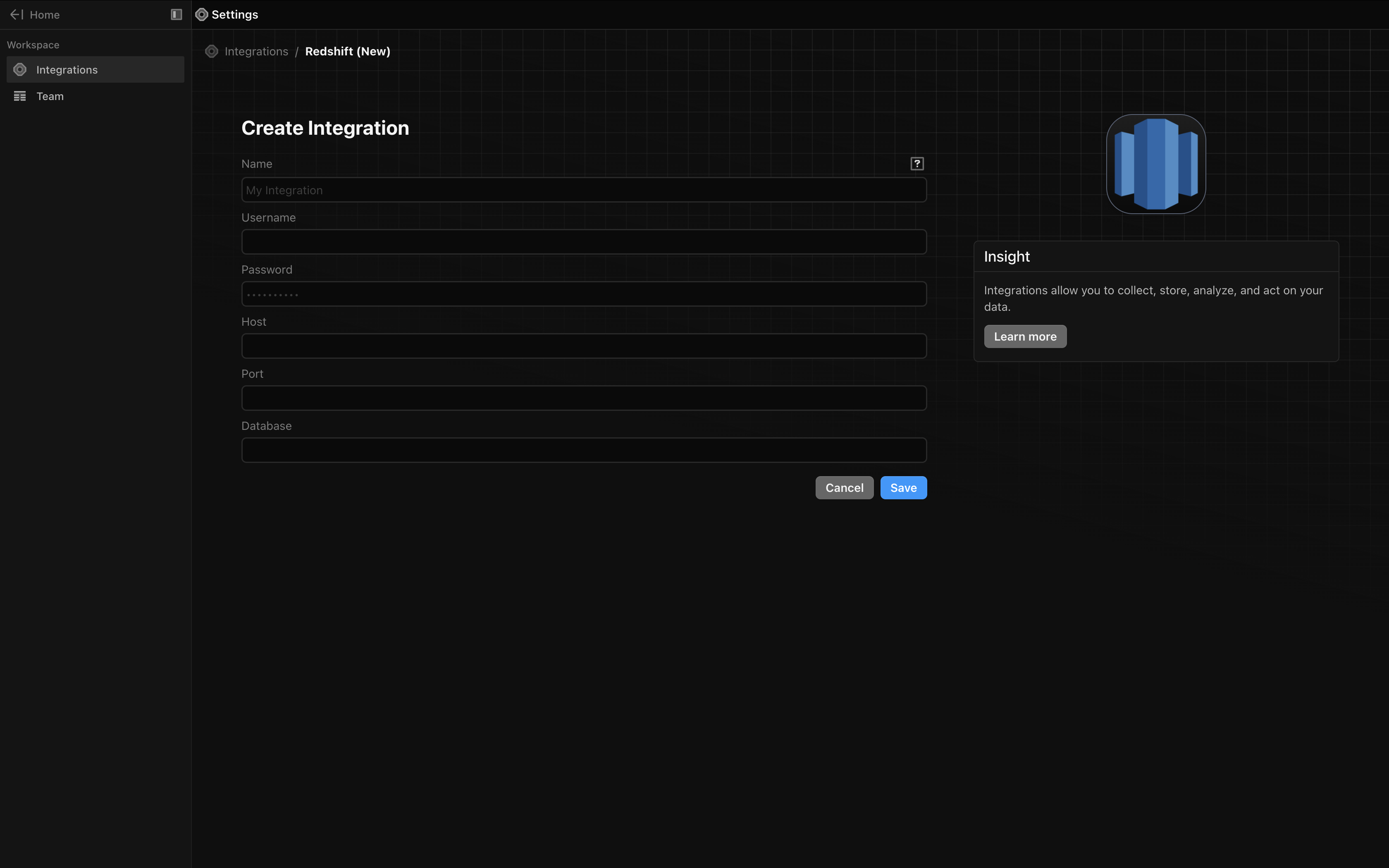
Input your credentials in the Definite UI
From the Definite homescreen Settings Integrations Redshift, from there you should see the following screen in which you can input your Redshift credentials: