

Users need the Admin role to upload files. Analysts have read-only access.
Uploading a file
Choose where the file should go:
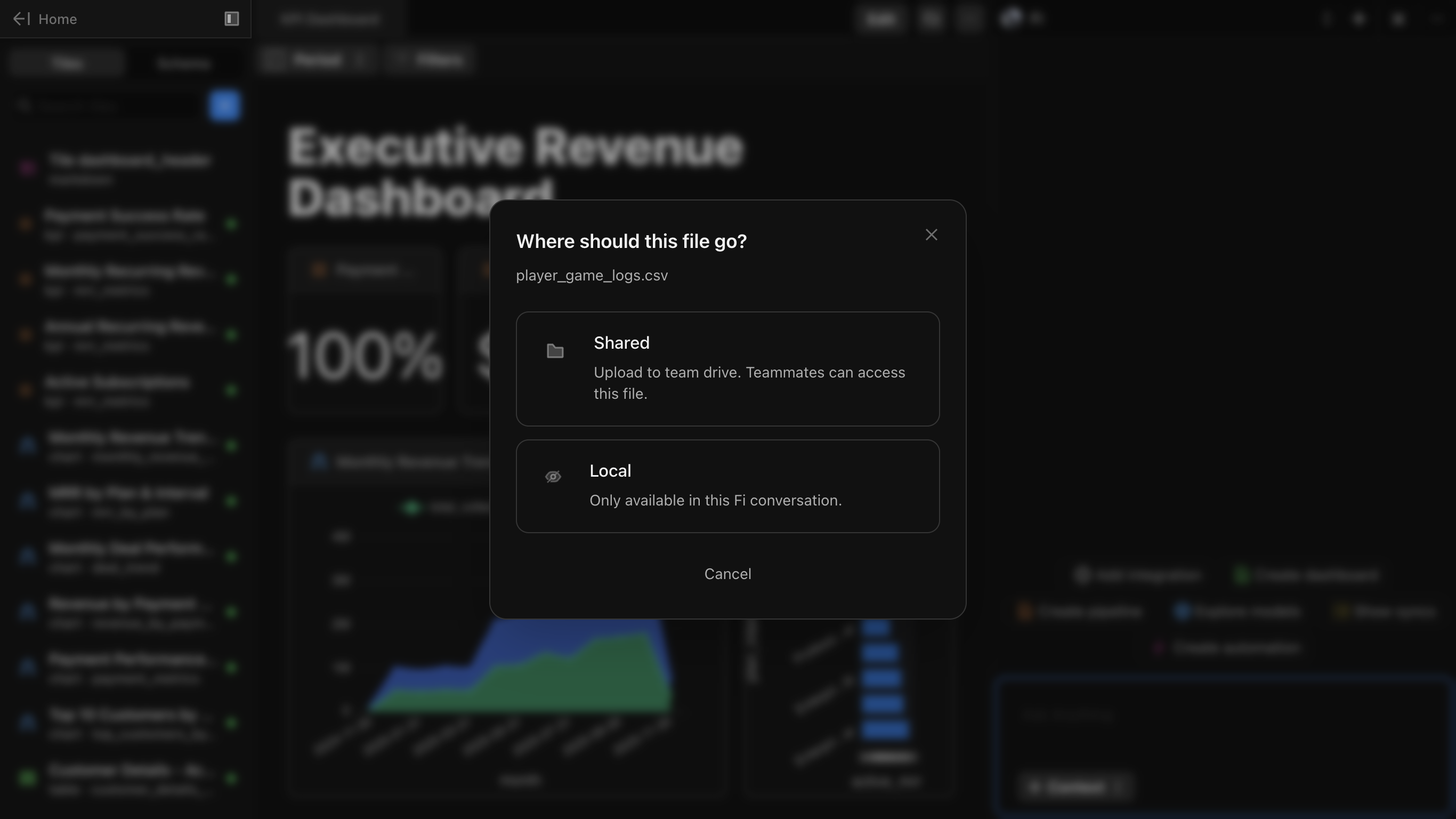
| Option | Description |
|---|---|
| Shared | Upload to team drive. Teammates can access this file. |
| Local | Only available in this Fi conversation. |
Working with uploaded files
After uploading, you can:- Query the data: Write SQL against the uploaded file like any other data source
- Join with warehouse data: Combine uploaded data with your connected databases
- Create visualizations: Build KPIs, charts, and tables from the uploaded data
- Ask Fi: Use natural language to analyze the uploaded file
Use cases
- Ad-hoc analysis: Upload a spreadsheet export for quick analysis
- Data enrichment: Join external data with your warehouse tables
- Prototyping: Test queries against sample data before connecting to production
- One-time reports: Analyze data that doesn’t need to live in your warehouse
Next steps
AI in Docs
Learn how to use Fi to analyze your data
Introduction to Tiles
Learn about tile types and how to configure them