Definite home page
Search...
⌘K
Ask AI
Sign In
Try Definite now
Try Definite now
Search...
Navigation
Extracting from Data Sources
Zoho CRM Extractor
Home
Introduction
Getting Started
Getting Started
Connecting To Your Database
Connecting to Destinations
Analyze & Build
Overview
Docs
Tiles
AI in Docs
Uploading Files
Pushing to Destinations
Destinations
Pushing Data to Slack
Pushing Data to Google Sheets
Extracting from Data Sources
Extractor Integrations
Airtable
Attio
Facebook Ads
Google Analytics
Google Sheets
HubSpot
Intercom
Klaviyo
Linear
NetSuite
Notion
PostHog
Quickbooks
Salesforce
Salesloft
Shopify
Stripe
Typeform
Zendesk
Zoho CRM
Data Modeling
Data Modeling With Cube.js
Definite API
Definite API
Stream API
File Upload API
Push-Based Ingestion
Webhooks
Definite Embed
MCP Server
Custom Python Functions
Overview
Definite SDK
Custom Integration
Workspace
Restricting Access for Specific Users
On this page
Add to Definite
Extracting from Data Sources
Zoho CRM Extractor
Pulling data from Zoho CRM
Add to Definite
1
Go to
this link
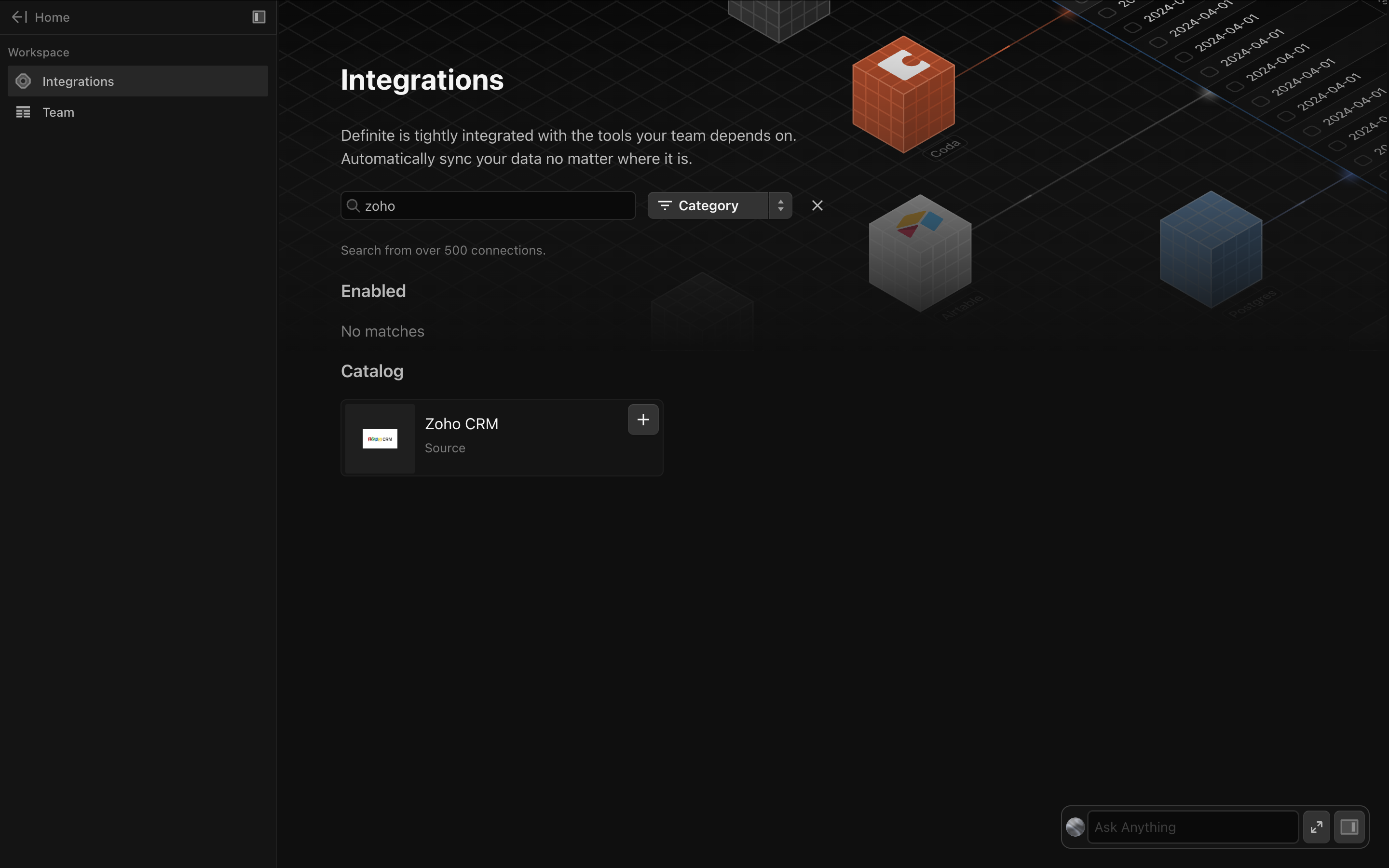
to add an integration. Search for Zoho CRM.
2
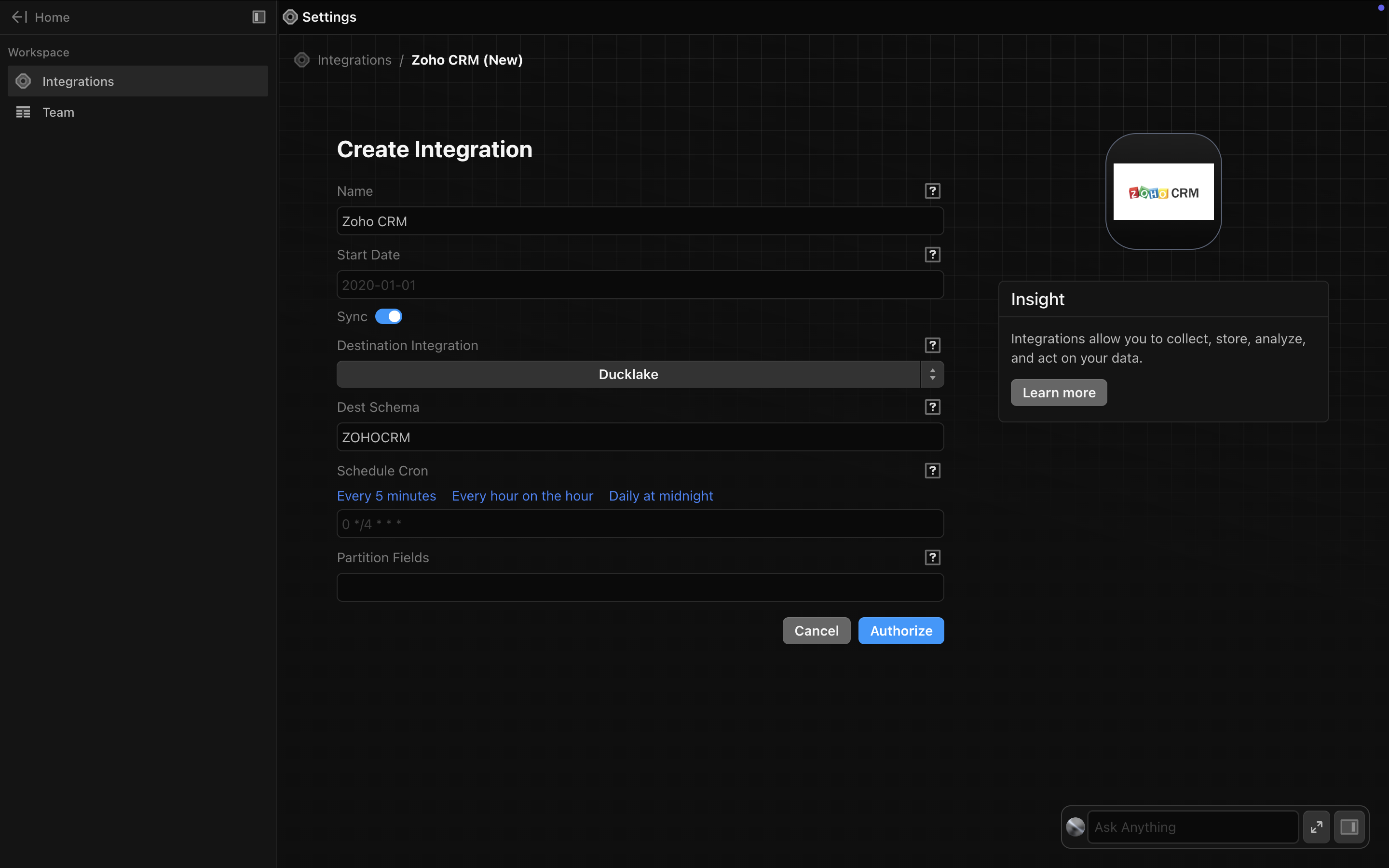
Add a name for your integration.
3
Finish by clicking
Authorize
. Definite will take you thru the OAuth flow for Zoho CRM.
Zendesk
Data Modeling With Cube.js
⌘I